
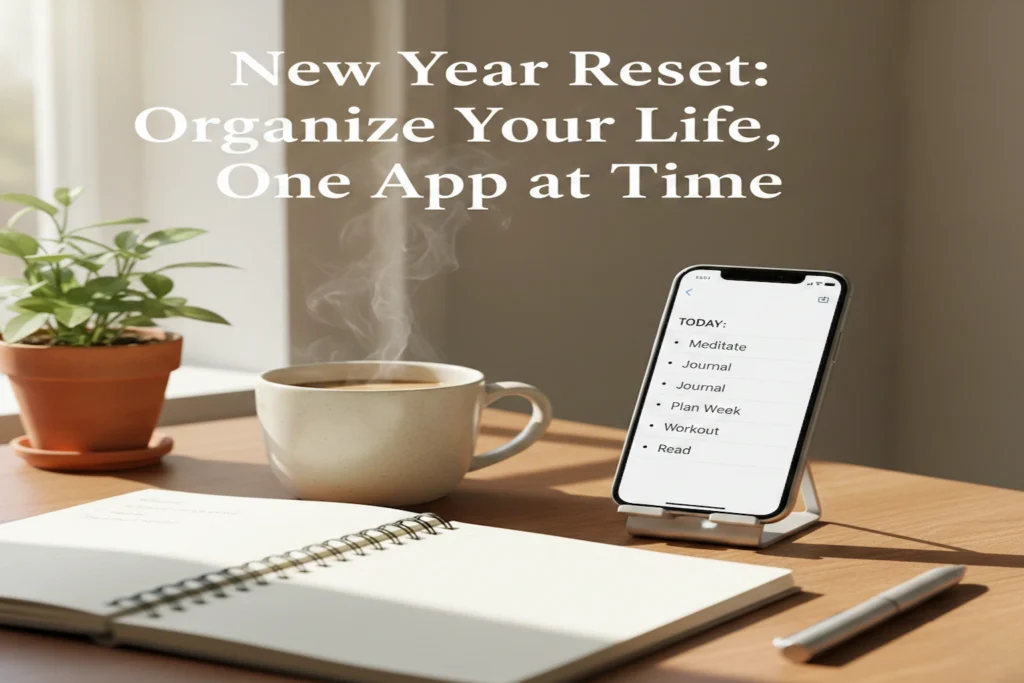
What a “New Year Reset” Actually Means (Not the Instagram Version)
A New Year reset is not about becoming a new person overnight. I learned this the hard way.
Every January, I did the same thing. Downloaded five new apps. Wrote ambitious goals. Promised myself this year would be different.
By February, nothing changed.
The real problem was not motivation. It was mental clutter.
A proper new year reset means clearing space. In your head. On your phone. In your daily routine.
After a long break, especially around Christmas and New Year, life feels messy. Sleep timings are off. Notifications pile up. Tasks feel heavier than they should.
That is usually when people search how to reset for the new year.
What actually helped me was slowing down first. Before adding anything new. Before chasing productivity.
I stopped asking, “How can I do more?” I started asking, “What is making my days feel chaotic?”
For most of us in the US, UK, and Australia, the phone is the centre of life.
Work. Family. Bills. Reminders.
When your phone is disorganised, your life feels the same.
That is why a reset today is less about planners on paper. And more about using the best apps to organize your life the right way. Not all at once. One problem at a time.
New Year Reset Checklist (Before You Download Any App)
Before I talk about apps, this matters.
Most people skip this step. They should not.
A new year reset checklist helps you understand what you actually need. Not what the app store tells you.
Here is the exact checklist I follow every January now. It works after a break. And it works even mid-year.
New Year Reset Checklist
| Reset Area | What I Actually Do | Why It Helps |
|---|---|---|
| Digital clutter | Delete unused apps. Clear old screenshots. | Less noise. Faster phone. |
| Daily tasks | Write down repeated tasks I always forget. | Stops mental overload. |
| Time | Check screen time and calendar gaps. | Shows where days disappear. |
| Goals | Pick only 3 priorities for the year. | Prevents burnout. |
| Habits | Choose one habit to fix first. | Builds momentum. |
This checklist alone already feels like progress. No pressure. No guilt.
Once this is done, apps finally make sense.
App Section: Best Apps to Organize Your Life (Real Life Usage, Not Theory)
I want to be honest here.
You do not need ten apps. You need one app per problem.
That is how the best apps to organize your life actually help.
I use an iPhone most of the time. But I tested the same flow on Android too. The experience is similar.
If You Forget Tasks and Small Things Daily
This was my biggest issue.
Bills. Calls. Follow-ups. Simple things slipping through.
A basic task app changed this. Not because it was fancy. Because I used it properly.
What worked for me:
- One list called “Today”
- One list called “This Week”
- One recurring reminder for boring tasks
This is where best free apps to organize your life shine. Most free versions are enough if you keep it simple.
On iOS, reminders sync smoothly with the system. On Android, task widgets help a lot.
I stopped trusting my memory. Life became calmer.
If Your Days Feel Scattered After the Holidays
After a long break, days feel unstructured. You wake up late. Work bleeds into personal time.
A calendar app fixed this for me.
Not by filling every hour. But by blocking reality.
Work hours. Family time. Personal time.
This is one of the most overlooked new year reset ideas. Time blocking is not strict. It is freeing.
Once my day had shape, productivity followed naturally.
If You Want This Year to Feel Different
Here is the truth.
Apps do not change your life. Consistency does.
But the right app removes friction.
I stopped chasing perfect systems. I focused on small wins.
That is when I finally felt organized. Not busy. Organized.
That is the real goal of a new year reset.
If You Want Better Habits This Year (Without Burning Out)
This part matters more than people admit.
Most new year reset ideas fail because they start too big. Gym every day. Perfect diet. Zero procrastination.
I used to do that too. It never lasted.
What finally worked was using a habit app like a mirror. Not a judge.
Instead of tracking ten habits, I tracked one. Just one.
Sleep on time. Or daily walk. Or drinking enough water.
Habit apps work best when you:
- Track one habit at a time
- Ignore streak pressure
- Focus on showing up, not winning
On iOS, habit reminders blend nicely with notifications. On Android, widgets keep the habit visible without opening the app.
This approach changed my year.
Habits stopped feeling like work. They became part of the day.
That is why habit tools deserve a place in the best apps to organize your life list. Not for motivation. But for awareness.
If You Feel Mentally Overwhelmed and Scattered
This was the hardest problem to admit.
I was not lazy. I was overloaded.
Too many thoughts. Too many open loops. Too many things “to remember later”.
A new year reset helped only when I addressed mental clutter.
This is where simple note and focus apps helped me most.
Not complex systems. Just a place to dump thoughts.
Here is what I do now:
- One note called “Brain Dump”
- Write everything that comes to mind
- Sort later. Or never.
That alone reduced anxiety.
For focus, I stopped forcing long work hours. I used short focus sessions. Twenty-five minutes. Then a break.
This is especially helpful after a long holiday break. Your brain needs warming up. Not pressure.
These tools do not make you productive instantly. They make life quieter. And that changes everything.
Best Free Apps to Organize Your Life (What Actually Works)
Not everyone wants paid apps. I did not either.
The good news is this. You can do a full new year reset checklist using free tools.
Here is what actually works in real life.
| App Type | Best Used For | Why Free Is Enough |
|---|---|---|
| To-do list app | Daily tasks and reminders | Basic lists solve most problems |
| Calendar app | Time blocking and planning | Built-in calendars work well |
| Habit tracker | One habit at a time | Free versions keep it simple |
| Notes app | Brain dump and ideas | Syncs across phone and laptop |
| Focus timer | Short work sessions | No extras needed |
Most people in the US, UK, and Australia already have these apps installed. They just do not use them intentionally.
That is the difference.
The best free apps to organize your life are not hidden. They are underused.
Once I stopped app hopping, life felt lighter. Less setup. More clarity.
One Honest Reminder Before You Move On
A new year reset is not a one-day event. It is a gradual process.
Apps help only when you:
- Start small
- Use fewer tools
- Stay consistent
If this feels calmer than other productivity blogs, that is intentional. Because organization should reduce stress. Not add to it.
Simple 7-Day New Year Reset Using These Apps (Realistic, Not Perfect)
This is the part most blogs skip. They list apps. Then leave you alone.
After a break, motivation is fragile. You need structure. But gentle structure.
This new year reset checklist is what I personally follow. No pressure. No overload.
Day 1: Clear Digital Noise
I start here every time.
Delete apps I have not used in months. Clear old screenshots. Unsubscribe from junk emails.
This alone feels like a new year reset.
No apps added yet. Just space.
Day 2: Set Up One Task App
Not five. One.
I add:
- Bills
- Work tasks
- Personal reminders
Nothing fancy.
This step answers how to reset for the new year in a practical way. You stop relying on memory.
Day 3: Shape Your Day With a Calendar
This is where things click.
I block:
- Work hours
- Family time
- Personal time
Not every minute. Just anchors.
On iOS and Android, built-in calendars are enough. This is one of the most underrated new year reset ideas.
Day 4: Add One Habit Only
Not a routine overhaul.
Just one habit. Sleep earlier. Daily walk. Water intake.
This is where habit apps help without pressure.
Day 5: Create a Brain Dump Note
This changed everything for me.
One note. Everything goes there.
Ideas. Worries. To-dos.
Mental clutter reduces fast.
Day 6: Try Short Focus Sessions
After a break, focus is weak. That is normal.
I use 25-minute sessions. Then stop.
No guilt.
Day 7: Adjust, Don’t Restart
This is important.
I review what felt easy. I delete what felt heavy.
A new year reset is about alignment. Not discipline.
Mistakes to Avoid During a New Year Reset (Learned the Hard Way)
This section exists because I made every mistake possible.
If you avoid these, your reset will actually last.
Mistake 1: Downloading Too Many Apps
I used to think more tools meant more control.
It did not. It created chaos.
The best apps to organize your life are the ones you actually open daily.
Mistake 2: Copying Someone Else’s System
What works for a creator on Instagram may not work for you.
Different life. Different energy.
Your new year reset ideas should fit your real days. Not an ideal version of you.
Mistake 3: Ignoring Free Tools
I delayed my reset for years thinking I needed paid apps.
I did not.
The best free apps to organize your life are already powerful enough. Simplicity wins.
Mistake 4: Expecting Instant Motivation
Motivation comes after clarity. Not before.
A reset feels boring at first. That is a good sign.
It means it is realistic.
Mistake 5: Treating Reset as a One-Time Event
This is the biggest one.
A new year reset is not January 1st. It is an ongoing adjustment.
Some weeks are messy. That is normal.
You reset again. Without guilt.
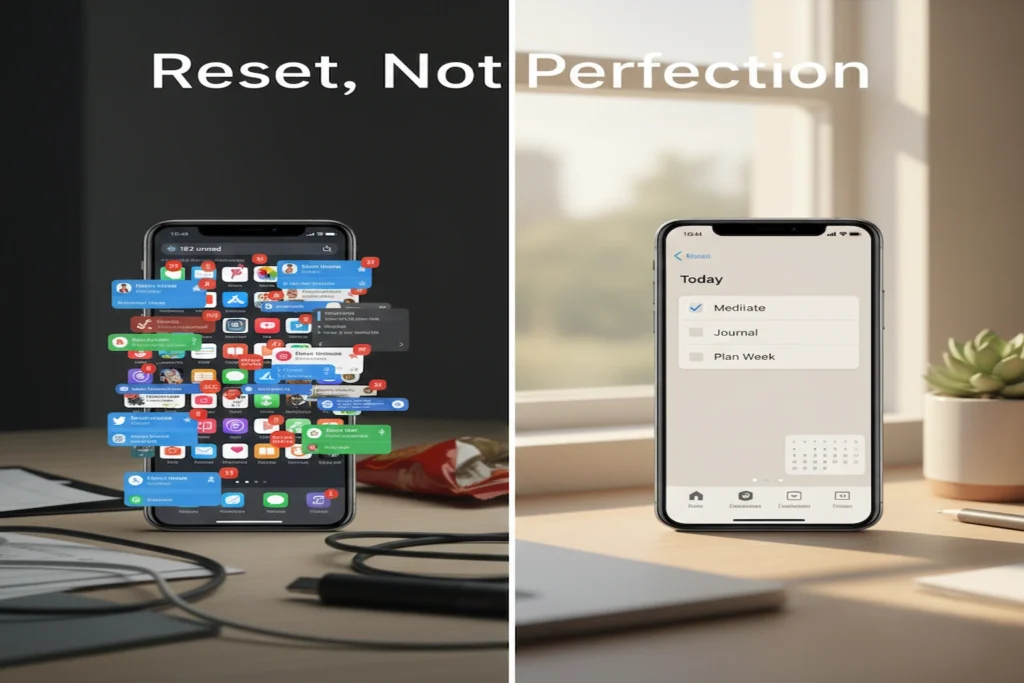
Reset, Not Perfection
If there is one thing I have learned over the years, it is this.
A new year reset is not about getting everything right. It is about getting back on track. Again and again.
Some weeks you will feel organised. Some weeks you will not. That is normal.
The mistake is thinking a reset only belongs to January. It does not.
You reset after a break. After a messy month. After life happens.
The best apps to organize your life do not magically fix discipline. They support it.
They remind you when memory fails. They hold structure when energy is low. They reduce friction when life feels noisy.
But they do not replace effort. And they should not try to.
Perfection creates pressure. A reset creates clarity.
If you take one thing from this guide, let it be this. Start small. Use fewer tools. Stay kind to yourself.
That is how organisation actually lasts.
People Also Ask
The best way to do a new year reset is to slow down first. Clear digital clutter. List what actually causes stress. Then use one or two apps to support daily structure. Not everything at once.
If you feel overwhelmed, start with less. Not more.
A simple new year reset checklist helps. Delete unused apps. Write everything down in one place. Then organise later.
Overwhelm usually comes from too many open loops.
The best apps to organize your life depend on the problem you face.
If you forget tasks, use a task app. If days feel messy, use a calendar. If habits slip, use a habit tracker.
One app per problem works best.
Yes. For most people, the best free apps to organize your life are more than enough. Free versions handle tasks, habits, notes, and planning well.
Paid apps help only when you already have consistency.
Usually one to two weeks.
Not because life changes instantly. But because mental clutter reduces.
A new year reset works gradually. The calm comes before motivation.
Absolutely, a reset is not tied to a date. You can reset after the holidays. After burnout. After a busy season.
That is why reset beats perfection every time.